
Refactor high-complexity React components in Dify frontend. Use when `pnpm analyze-component...

npx skills add jakedahn/pomodoro
Or install specific skill: npx add-skill https://github.com/jakedahn/pomodoro
Reference implementation of the System Skill Pattern for building Claude Skills that remember, learn, and improve over time. CLI + SKILL.md + Database demonstrated via a Pomodoro timer.
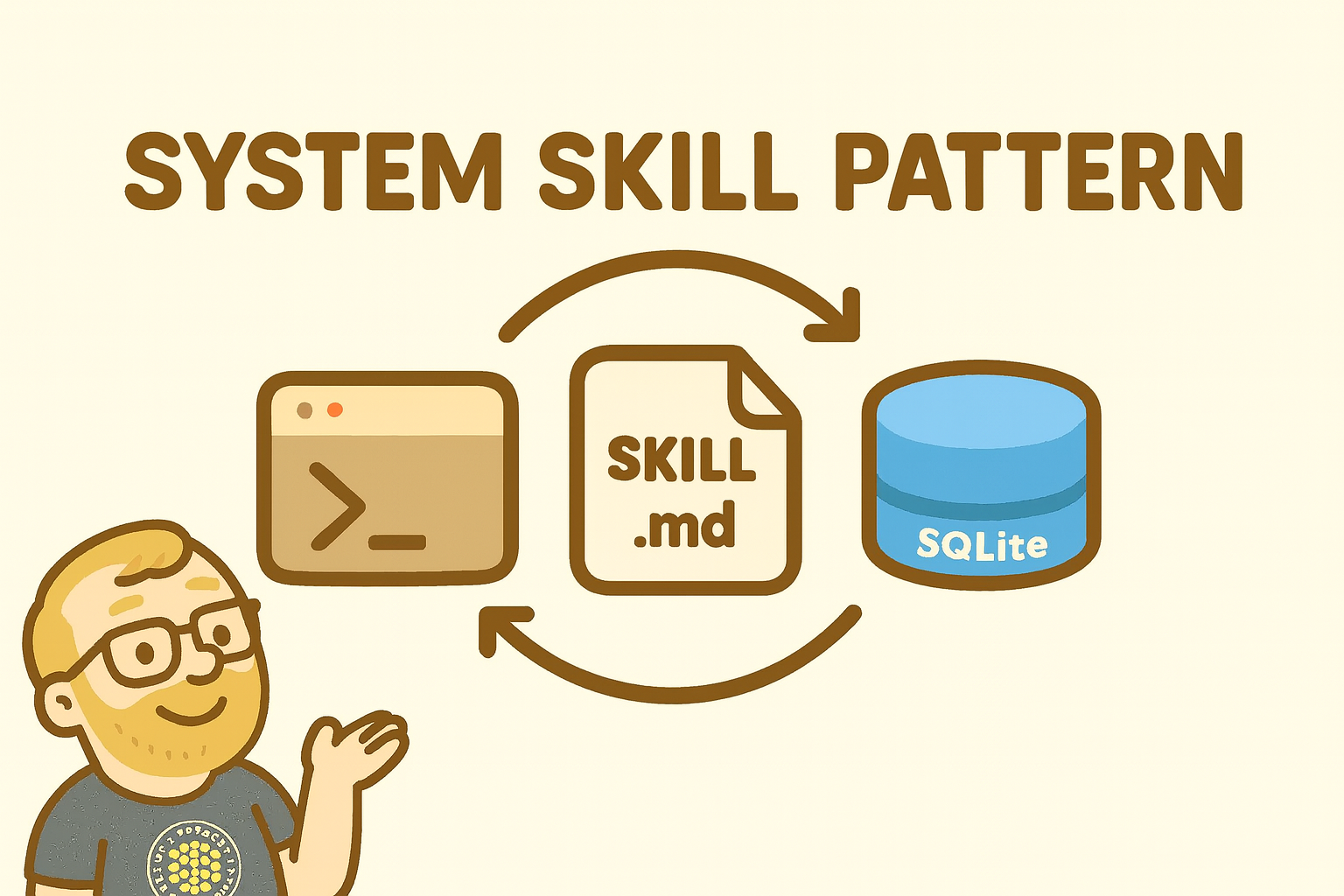
A working example of the System Skill Pattern -- an approach for building Claude Skills that persist state, learn from history, and provide increasingly useful insights over time.
The Pattern: CLI + SKILL.md + Database
Give Claude a command-line tool to run, instructions on how to operate a system, and a database to remember things. Watch it turn the crank, running its own OODA loop (Observe, Orient, Decide, Act) - building context that compounds across sessions.
This Pomodoro timer demonstrates the pattern in ~600 lines of code. It's deliberately simple so you can see how the pieces fit together, then build your own.
# Add the marketplace (one-time setup)
/plugin marketplace add jakedahn/pomodoro

# Run the install script
~/.claude/plugins/marketplaces/pomodoro/install.sh
The Pomodoro skill will be installed to ~/.claude/skills/pomodoro/ and available immediately in Claude Code.
Requirements: macOS with Apple Silicon (arm64). For other platforms, see Building From Source.
Once installed, just ask Claude to help with Pomodoros:
"Start a pomodoro for writing documentation"
"What did I work on today?"
"How productive was I this week?"
"What times do I work best?"
"Let's do flash cards, start 5 2min/1min pomodoro cycles"
Claude will use the Pomodoro skill to:
This implementation demonstrates three components working together to create a system that Claude can animate:
A standalone executable that provides handles for Claude to operate the system:
./pomodoro start --task "Deep work on authentication"
./pomodoro stats --period week
./pomodoro history --days 30
Key attributes:
--help documentation for each commandThe Pomodoro CLI provides five essential commands:
start - Begin a 25-minute focus sessionstop - End current session earlystatus - Check if timer is runninghistory - View past sessionsstats - Analyze productivity patternsThe tutorial that teaches Claude how to think about and operate the system:
This is where you share the operating procedure. Claude uses this to run its OODA loop - observing sessions, orienting to patterns, deciding when to intervene, and acting by running CLI commands.
Persistent storage that accumulates value over time. In this case, a simple schema:
CREATE TABLE sessions (
  id INTEGER PRIMARY KEY AUTOINCREMENT,
  task TEXT NOT NULL,
  duration INTEGER NOT NULL,
  started_at TEXT NOT NULL,
  completed_at TEXT
);
Why SQLite:
You ask Claude to start a pomodoro. Claude reads SKILL.md, sees it should run ./pomodoro start, executes the CLI. The CLI writes a row to SQLite. Session complete.
Three weeks later, you ask Claude about your productivity. It runs ./pomodoro stats --period week, gets back JSON with all your sessions, and infers that you always finish morning sessions but abandon afternoon ones.
The magic is in the accumulation. Each session adds context. The system gets smarter over time.
pomodoro-repo/               # Repository root
├── .claude-plugin/
│   ├── plugin.json          # Plugin manifest
│   └── marketplace.json     # Marketplace configuration
├── skills/
│   └── pomodoro/            # Pomodoro skill (automatically registered)
│       ├── SKILL.md         # Claude's instructions
│       ├── README.md        # Technical documentation
│       ├── bin/
│       │   └── pomodoro     # Compiled binary
│       └── scripts/         # Source code
│           ├── pomodoro.ts  # CLI interface (~290 lines)
│           ├── timer.ts     # Timer logic (~83 lines)
│           ├── db.ts        # Database operations (~171 lines)
│           └── build.sh     # Build script
└── README.md                # This file (repository docs)
If you want to modify or rebuild:
./build.sh
Requirements:
About the build:
deno compile to create a standalone binaryThis implementation is deliberately simple to serve as a reference:
Browse the code to see how it works, then build your own:
Personal Finance Manager
money tx list, money note abc-123 "unexpected road trip!", money cat abc-123 "vacation"Personal Project Management
task new "rake the leaves", task update T-123 --status=done, task kanbanGratitude Journal
thankful "for my cat", thankful trends, thankful searchChatGPT Pulse Clone
pulse topic add "AI safety research", pulse generate, pulse feedback <id> --helpfulNote Taker with Memory
note add "API design thoughts", note search "authentication", note tag T-123 "urgent"Each one follows the same pattern: Give Claude handles to operate a system via a CLI, and watch it turn the crank.
Most Claude Skills are stateless - they run and forget. The System Skill Pattern shows how adding simple persistence enables something different:
When you give Claude the handles to operate a system - a CLI to run commands, a database to remember things, and a tutorial on how it all works - something shifts. It's not just running commands anymore. It's turning the crank. Running its own OODA loop. Building context that compounds over time.
That's the phase change: chat agents and Skills joining to become something new - systems that Claude animates rather than just responds to.
MIT
Jake Dahn - shruggingface.com
Refactor high-complexity React components in Dify frontend. Use when `pnpm analyze-component...
Trigger when the user requests a review of frontend files (e.g., `.tsx`, `.ts`, `.js`). Support...
Generate Vitest + React Testing Library tests for Dify frontend components, hooks, and...
Guide for implementing oRPC contract-first API patterns in Dify frontend. Triggers when creating...
This skill is compatible with the SKILL.md standard and works with all major AI coding agents:
Learn more about the SKILL.md standard and how to use these skills with your preferred AI coding agent.